
Chaos Jenga Tools
Role checklists, map votes, and HUD reading — not injected cheats
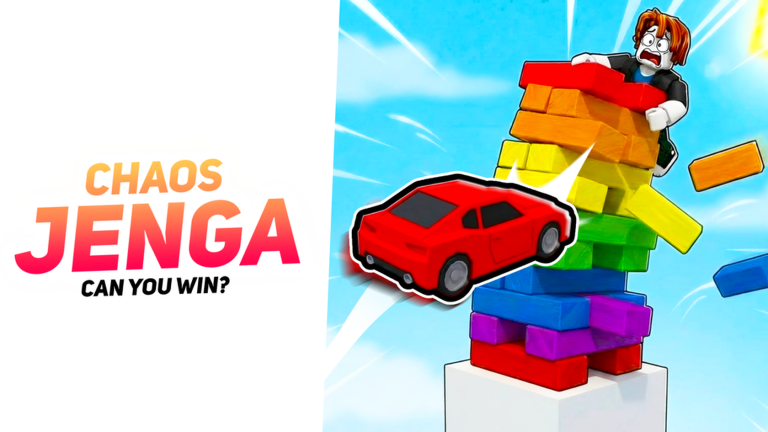
This Tools Hub is a clipboard for the live round, not a download folder. Chaos Jenga does not need a companion app. It needs a repeatable pre-round routine: vote the map, read the HUD, decide whether you are a Survivor or the Attacker, and know where the hole is before the first prop moves. The pages here are checklists and reading notes. They are not executors, overlays, or “win” macros.
If you arrived from a script thumbnail, stop. Injected GUIs belong on the Scripts Hub with the ban warning attached. Nothing in this section parents a ScreenGui or CFrames HumanoidRootPart. Official studio links sit on the links hub. There are still no promo codes that skip the climb.
What belongs on this hub
- Role checklist — the main tool. Survivor versus Attacker steps you run in the 20 seconds before the tower is live: vote, camera, listen for props, hole location, ramp height, prop pick.
- Map vote notes — Classic, Moon, Volcano, and Winter do not play the same. Rankings and matchup notes live on the map tier list. Use that page as a vote card, not as a skin tier list.
- HUD reading — timer, survivor count, attacker label, and Become the Attacker style prompts in the lobby. Misreading the clock is how people jump the hole too late or too early.
- Controls reminder — camera and movement are a tool. Bindings and feel sit on controls. Moon in particular changes jump feel; do not bring Classic muscle memory into that vote blindly.
Glance at the checklist, then look back at the tower.
Map vote notes (quick card)
Keep this next to the map tier list while the vote is open:
- Classic — fairest learning map. Edges are readable. Best first pick if the lobby is mixed skill.
- Moon — jump feel changes. Teleport-to-bottom videos lie more often here because height guesses miss. Vote it when you already have camera discipline from controls.
- Volcano — panic drops get punished. Stay high unless the hole path is already in your head from How to Escape.
- Winter — edges hide. Shoulder the camera out before you commit to a ramp.
Do not vote a meme map because a friend yelled in chat. The role checklist starts with the vote on purpose: the rest of the round inherits that choice.
HUD reading
The lobby HUD is the only overlay you need. Read the timer before you jump the hole — lasting it is a win, which How to Survive covers. Read survivor count in a 24-player server so you know whether the tower is packed or down to two. If a role prompt made you the attacker, stop looking for the hole and switch to How to Attack. Like and favorite reminders are social, not crates; see group rewards.
What this hub will not give you
No auto-parry, prop aimbot, or injected checklist app. A “toolkit.exe” that borrows this wiki’s name is unrelated and unsafe. Use a notes app, then play the free online round Perhaps Studios shipped in 2022: two-player minimum, 24 cap.
Keep this hub as the index for paper tools: the role checklist for the 20-second ritual, the map tier list as a vote card, and controls as the camera reminder. When the first train leaves the attacker’s hand, the only tool left is the one you already rehearsed.
Frequently Asked Questions
Quick answers for Chaos Jenga on Roblox.
Are these Chaos Jenga tools downloadable cheats?
No. This hub is checklists, map vote notes, and HUD reading. Injected scripts are documented separately on the Scripts Hub.
Which tool should I open first?
The role checklist before the round, then the map tier list while the vote is open.
Where do I learn camera and movement?
The controls guide. Moon especially needs that page before you vote it.
Can the HUD tell me when to go for the hole?
The timer and survivor count help you choose. The actual path is in How to Escape.
Do likes on the HUD give items?
No. Like and favorite prompts are social. Details are on group rewards and likes.